
TAMRON-LINK (TL-01): Lens Utility 5.0's Film Features Are Now on iPhone — No Cable Required
Updated: Apr 25

A few years back, Tamron handed filmmakers something genuinely useful: software that turns their lenses into proper cinema tools. Tamron Lens Utility Mobile brought Digital Follow Focus directly to your phone, precise focus pull markers, Ring Stopper, Astro Focus Lock for repeatable infinity in astrophotography - the kind of control that used to cost you a professional follow focus rig and a camera assistant.
Free. No hundreds-of-dollars follow focus system. No extra crew.
Just a phone with Android and a compatible Tamron lens.
There were two catches, though. Android only - meaning every Apple sheep, including me, was temporarily out of luck. And there was that one small compromise: a cable between phone and lens, a USB umbilical cord that reminded you on every shoot that this freedom had its limits.
(If you rather watch than read, check out the fullbreak down on my YT)
Tamron solved both at once. On February 19, 2026, they announced Lens Utility 5.0 alongside TAMRON-LINK (model TL-01) - a tiny Bluetooth 5.4 adapter that turns your phone into a wireless lens controller in seconds. And, finally, iOS is fully in the game now.

TAMRON-LINK: Two Grams, Five Meters, Zero Cables
TL-01 plugs directly into the USB-C port on any compatible Tamron lens and connects to the Lens Utility Mobile app over Bluetooth. In practice: fewer cables on your gimbal, no more snagging on your rig, faster transitions between setups. Your phone - the one already in your pocket - becomes a wireless follow focus controller.
It weighs two grams (for reference, that's less than a lens cap) and at 7.1 × 25.3 × 6.6 mm, you'll barely notice it once it's on. Wireless range is up to five meters, and it draws power directly from the lens - no separate battery, nothing to charge.
First-time setup is straightforward: power off the camera, plug in TAMRON-LINK, power back on. In the app, register the ID engraved on the adapter, give it a name, set a password. After that, launching Lens Utility Mobile and connecting is all it takes.
And it's precisely because of TAMRON-LINK that Lens Utility Mobile now works on iOS. If you're an iPhone user, you're finally getting access to the features Android users have had for years - plus several new ones in version 5.0. Android users can still use a cable if they prefer; TAMRON-LINK is an optional upgrade for them. For Apple users, it's the only way in.
Lens Utility 5.0: What's New (and What You'll Actually Use)
TAMRON-LINK is only half the story. The real power of Lens Utility has always been making your lens smarter without additional hardware. Version 5.0 pushes that further. Some of these features you'll use on every shoot. Some are for specific situations. They all have one thing in common: each one replaces something that used to require a second person or expensive gear. Now you handle it yourself.

Digital Follow Focus - The Foundation
Quick baseline for anyone new to Lens Utility. The core of the app is Digital Follow Focus (DFF) - essentially a wireless follow focus system that's always in your pocket. You pull focus with a slider or by tapping preset points; iris is controlled the same way. Everything in real time, without touching the camera. For solo creators, this is the feature that changes how you work - you can be behind the camera and control focus from the exact position where you see the final image.
Version 5.0 builds several new layers of control on top of this.
Focus + Iris Link - Probably the Biggest Addition for Video
Previously, markers only worked for focus. Now they work for iris too - and both can be linked. One tap moves focus and iris simultaneously to preset values. Transition to the next scene with a defocus and an exposure change in a single, repeatable, consistent step. What used to require coordination or external follow focus hardware now fits in one pocket.
For both focus and iris you get an A/B/C marker set, and each transition has adjustable duration and easing - smooth glide or hard cut. Not "grab and hope," but a repeatable tool you can actually rely on during a real shoot.
Note: currently Sony E-mount only. Nikon Z users hold back the tears and wait a bit.

Ring Stopper (Focus + Iris)
Ring Stopper in 5.0 expands the original "Focus Stopper" to include an "Iris Stopper" as well - the electronic hard stop now limits range for both focus and aperture rings during manual control. Prevents accidental overrotation outside your chosen range. The stop is only active while connected to the app; disconnect and it releases automatically.
Note: Sony E-mount only for now.

Adjustable Iris Ring Rotation Angle (45°, 60°, 75° or 90°)
This solves a small-looking problem that's actually annoying in practice. The iris ring has a fixed rotation angle from fully open to minimum aperture - and depending on your setup, that forces you to re-grip or shift your hand mid-shot. Now you choose from four options: 45°, 60°, 75°, or 90°. Pick what works for your gimbal, rig, or handheld setup. Four presets, covers most scenarios.
Note: Sony E-mount only.
Focus Time Lapse
Focus Time Lapse combines the camera's intervalometer with a controlled focal plane shift between frames. The result is a timelapse with a built-in focus pull - shifting not just through time but through focus distance - without a motorized slider or external follow focus. Set the start and end focus points, decide how many frames hold still and how many involve movement, then put the phone down. Camera and lens take it from there.
Note: Sony E-mount only.

Astro Focus Lock – Fine Adjustment
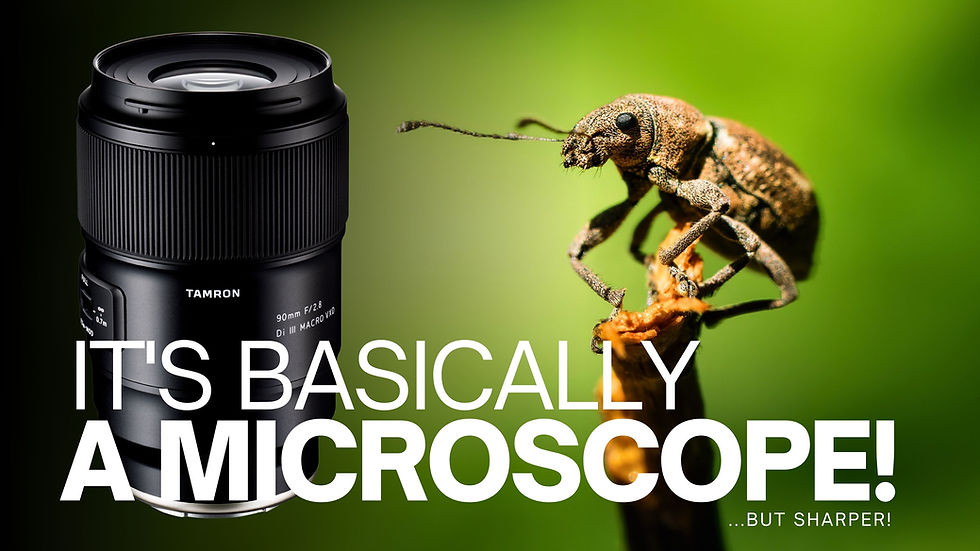
Astrophotographers get two practical additions: more precise fine-tuning and the ability to save multiple "infinity" positions for different conditions. The actual infinity point can shift slightly with temperature and humidity - anyone who shoots stars regularly knows that "set it once" rarely holds. You can save up to ten named positions and call any of them up with a single tap. On lenses with very fine focus stepping in the infinity range (particularly macro designs like the 90mm F/2.8 MACRO) this feature is genuinely difficult to work around once you've had it.

Night Mode
Night Mode switches the entire interface to a dimmed red display. Your phone won't blind you in the dark, won't wreck your eye adaptation, and won't strobe the people next to you. One toggle. Done.

Remote UI – Sequence Recording, Loop Recording and Screen Touch MF
The Remote mode got a meaningful upgrade worth actually going through.
Sequence Recording lets you trigger all three preset focus positions consecutively with a single tap - with a configurable pause between each.
Loop Recording repeats that entire sequence continuously until you stop it. Useful for repeat focus pulls, product shots, or any setup where you want the camera doing the same thing on a loop while you pretend you have a crew.
Screen Touch MF is exactly what it sounds like: tap anywhere on the screen and focus moves to that position. No slider hunting, no guessing. Tap, done.
Focus Fine Adjustment button
At 15× zoom in DFF mode, a fine adjustment button appears. Tap for a single step, hold for continuous movement. For macro or astrophotography where a micrometer separates a sharp frame from an expensive blurry RAW, this is the kind of control that's hard to give back once you've used it.
Linear/Non-Linear Switching
The focus ring can behave in two ways. Linear - every millimeter of movement equals the same focus step. Predictable, repeatable, ideal for video (and macro). Non-linear - slower through the middle of the range, faster at the extremes. More natural for photographers used to helicoid-style focusing.
Previously this was something your camera either offered or didn't. Now you assign it to the Focus Set Button and switch on the fly.

Vibration On/Off
Disable haptic feedback during Ring Stopper use. Sounds trivial - unless your phone is sitting directly on or near the camera body, where vibrations find their way into your audio. Toggle in settings, ten seconds, never think about it again.
Sleep Suppression
Automatically prevents your phone from going to sleep during an active Remote or DFF session. No configuration, no workarounds. It just works. The problem it solves: phone sleeps, connection drops, shot is gone. Not anymore.
Not bad for a free app, right? Tamron just handed you a serious set of pro-level tools. In your phone. For free.
Lens Utility Desktop and Firmware - Do This First!
Before pairing with TAMRON-LINK, one practical step you don't want to skip: check and update your lens firmware. Firmware updates are currently only available through the desktop version of Tamron Lens Utility (Windows and macOS) - the mobile app can't handle updates yet.
Desktop download:
Compatibility notes
TAMRON-LINK is sold separately. The full compatibility list is on Tamron's official site - the general rule is: if your lens has a USB-C port and supports Lens Utility, TL-01 will work with it
.
Two exceptions worth flagging: the 28-75mm F/2.8 Di III VXD G2 (Nikon Z) and the 35-150mm F/2-2.8 Di III VXD (Sony E-mount) require firmware updates that are arriving in spring 2026. Until then, those lenses stay on version 4.0. Everything else is ready from day one.
Lens Utility 5.0 is free - iOS via the App Store, Android via Google Play.
Until next time,
M.


Comments